lofiradio
Development Diary
About the project
Pain: Want to just turn on music and work, but all existing solutions either have ads, are unstable, or don't work in the background. Google shows "Lofi radio", but the first link often doesn't work, then you have to listen to ads. YouTube doesn't work in the background. Need something simple — one click and music plays.
Hence the idea: make your own simple player without ads that works in the background.
What's next?
First thought about streams and external APIs, but quickly came to the understanding that this is unstable and loads slowly.
Main thing now — get a stable solution without ads.
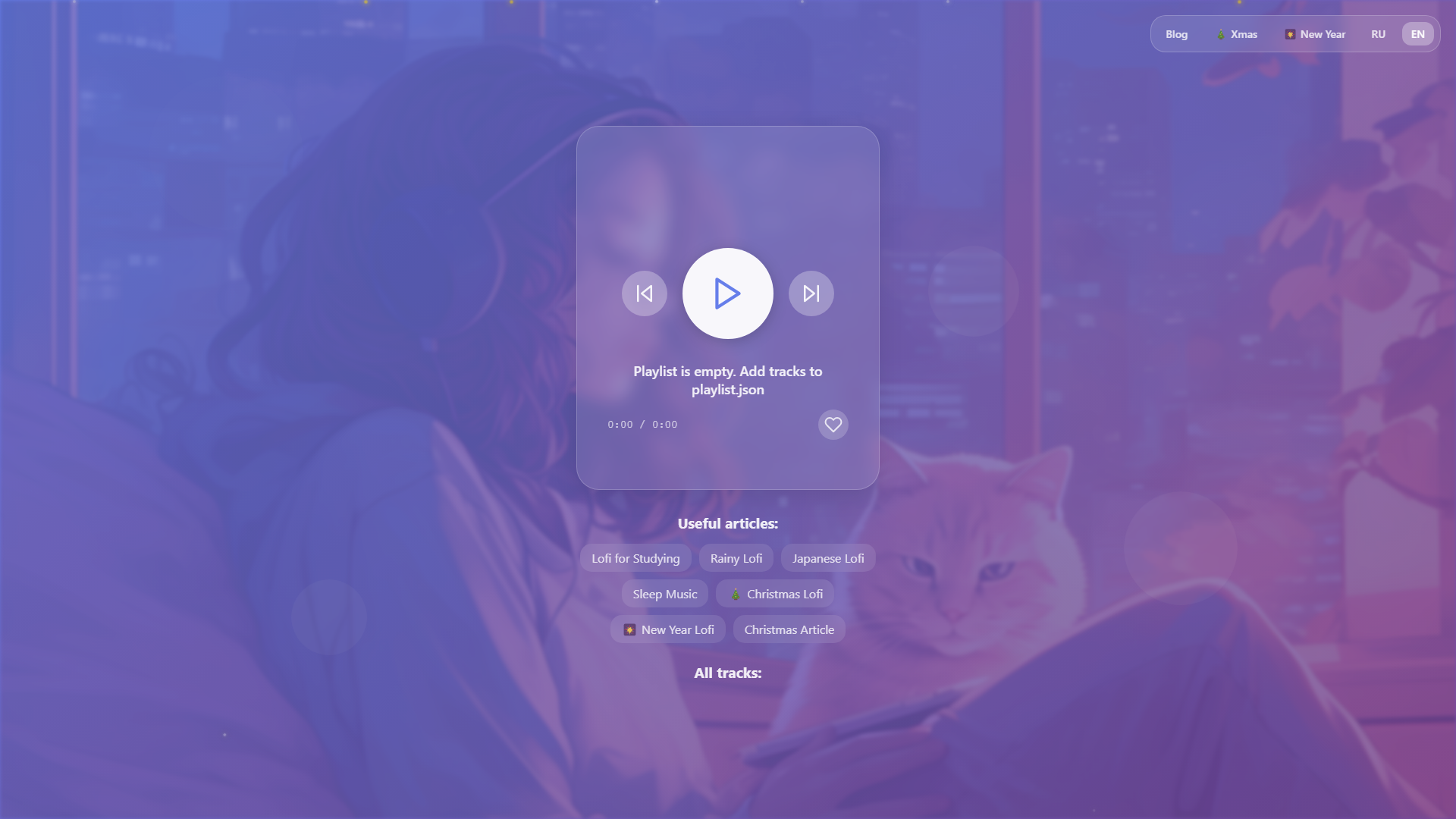
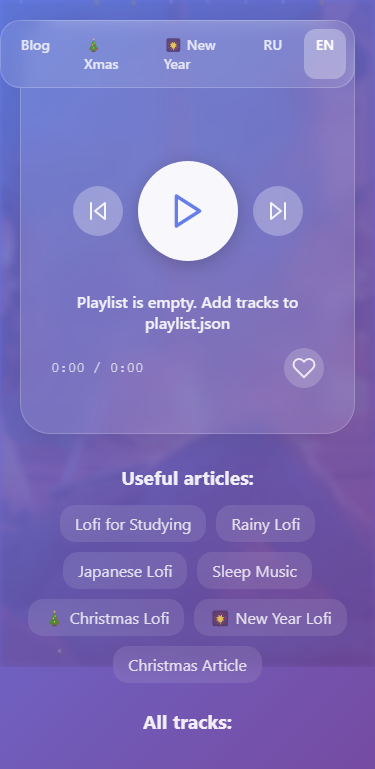
So the idea simplified to local MP3 files and simple HTML5 player:
Read moreCurrent implementation at: https://lofilofi.pages.dev
Table of Contents
Stage 1: Basic Player Creation
What was needed
Needed a simple solution for listening to lofi music without ads and delays.
Solution
Created a simple web player with local MP3 files instead of streams.
Why this solution
- Local files load instantly (no delays)
- No dependency on external streams (which can be unstable)
- Full control over content
- Works in background (HTML5 Audio API)
Pros
- ✅ Fast track loading
- ✅ Stable operation
- ✅ No ads
- ✅ Works in background
- ✅ Simple interface (one Play button)
Cons
- ❌ Need to store files (but 5-10 tracks is fine)
- ❌ Limited track selection (but can be expanded)
Gotchas
- GitHub doesn't accept files >100MB (had to exclude one large track)
- Need local server for development (due to CORS when opening via file://)
What was done
- Created HTML5 Audio player
- Added local MP3 files
- Implemented Play/Pause button
- Configured automatic track loading
Stage 2: Adding Control Features
What was needed
The basic player worked, but lacked convenient controls.
Solution
Added:
- Previous/next track buttons
- Track time display (currentTime / duration)
- Like button with localStorage saving
- Automatic track switching
Why this solution
- Standard features of any player
- Likes are saved locally (no backend needed)
Pros
- ✅ Convenient controls
- ✅ Shows how long the track has been playing
- ✅ Can mark favorite tracks
- ✅ Automatic switching
Cons
- ❌ Likes only locally (not synchronized between devices)
Gotchas
- Had to properly handle audio events (timeupdate, loadedmetadata)
What was done
- Added control buttons (previous/next)
- Track time display
- Like button with saving
- Automatic track switching
Functionality Expansion and UX Improvements
What was needed
The basic player worked, but we needed to improve the user experience and add features to attract more users. The project was single-page, without multilingual support, without additional content.
Solution
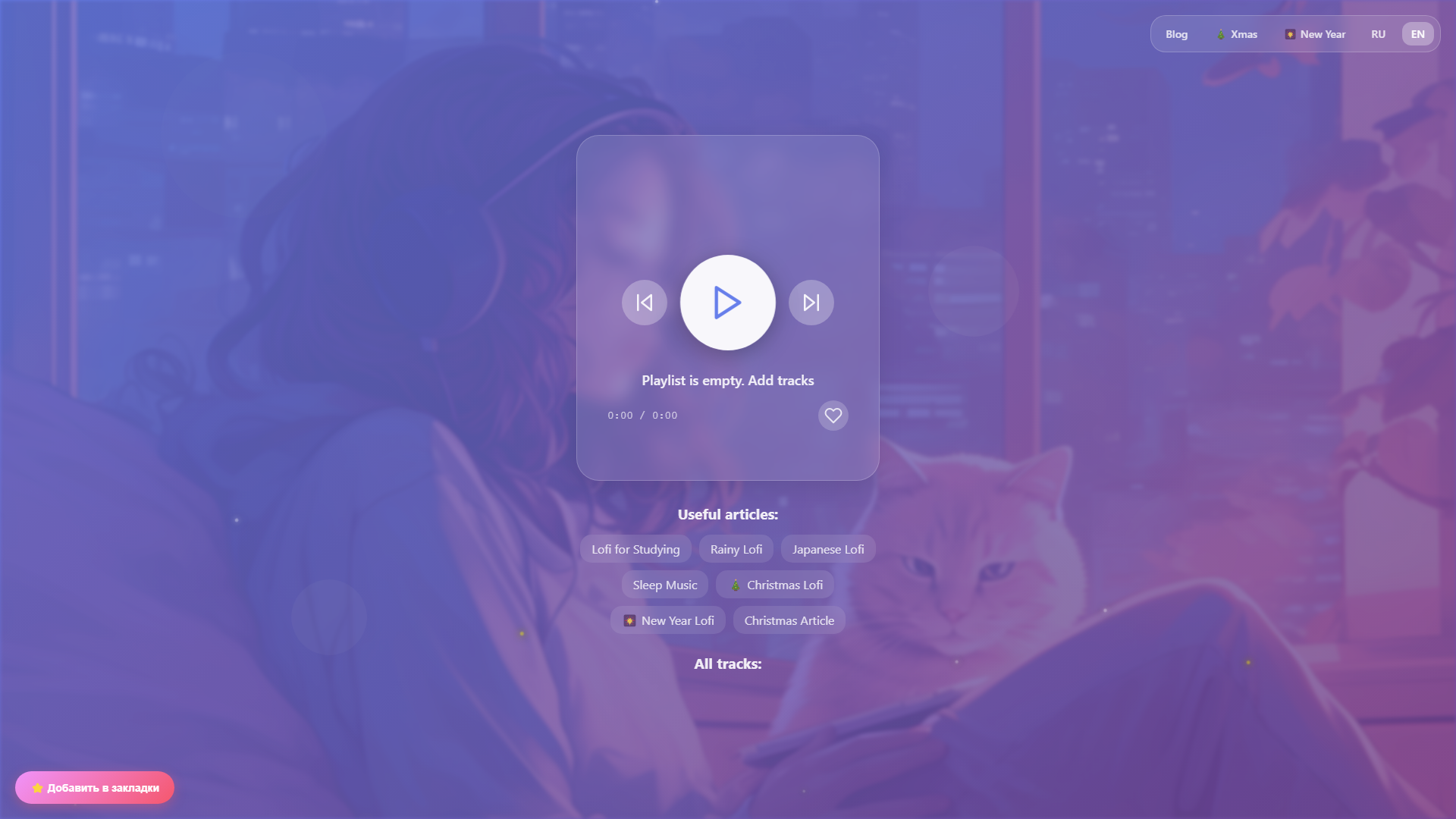
Added a set of improvements: multilingual support (RU/EN), New Year themed pages, blog articles, PWA functionality, sound visualization, mini-player for blog, separate pages for tracks, and SEO optimization.
Why this solution
- Multilingual support expands audience and improves SEO for international queries
- New Year pages create seasonal content and attract traffic during holidays
- Blog articles help with SEO and provide additional content for users
- PWA allows installing the app and working offline
- Sound visualization improves visual experience and makes the player more attractive
- Mini-player for blog allows listening to music directly in articles
- Separate pages for tracks improve SEO and provide direct links to compositions
- SEO optimization (Schema.org, sitemap, meta tags) helps in search results
Pros
- ✅ Significantly improved user experience
- ✅ Expanded audience through multilingual support
- ✅ Improved SEO and visibility in search engines
- ✅ Added seasonal content (New Year pages)
- ✅ PWA functionality - can be installed as an app
- ✅ Visualization makes the player more attractive
- ✅ Blog creates additional value for users
Cons
- ❌ Increased project complexity (more files, more code)
- ❌ Need to maintain content in two languages
- ❌ Blog requires regular updates for SEO
- ❌ Service Worker adds complexity to debugging
- ❌ More files to deploy
Gotchas
- It was important to properly organize folder structure for multilingual support
- Service Worker needed to be properly configured for audio caching
- Sound visualization required performance optimization
- SEO meta tags needed to be synchronized between languages
What was done
- URL structure:
/ru/,/en/,/ru/xmas/,/en/new-year/, etc. - Playlist filtered by
category: 'xmas'for New Year pages - Service Worker caches audio for offline work
- Visualization uses
AnalyserNodewith FFT size 256 - Mini-player loads playlist and filters by category